Stay connected with the MyWellness app
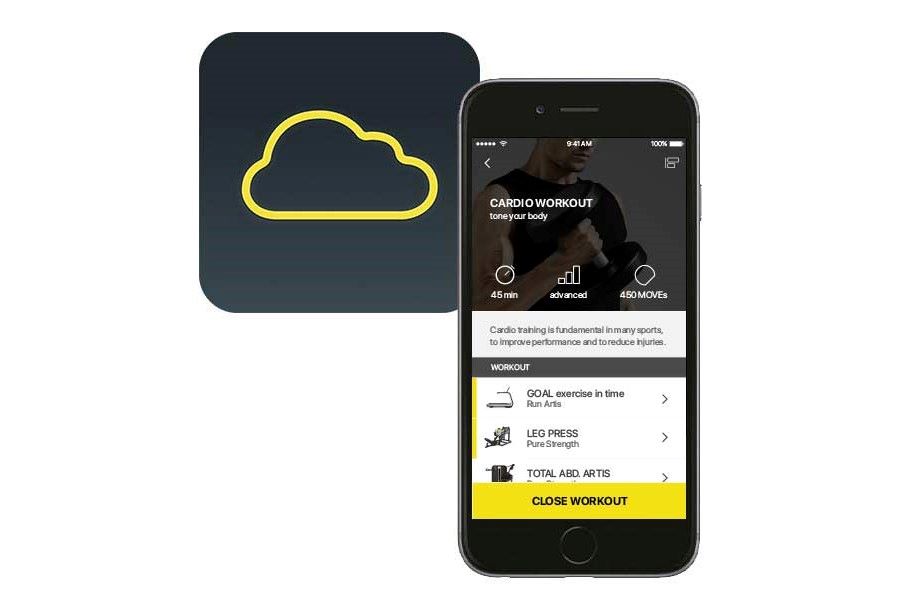
Are you looking to track workouts, measure results, and stay better connected to our offerings? There’s an app for that!
We recently introduced MyWellness by Technogym, a free app loaded with features that allow you to:
 After you scan this code, it will take you to an example workout. Now you’re ready to access the app!
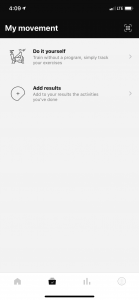
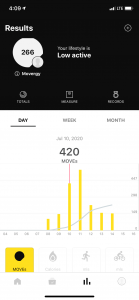
After linking to our facility, your MyWellness app should look similar to the images below:
After you scan this code, it will take you to an example workout. Now you’re ready to access the app!
After linking to our facility, your MyWellness app should look similar to the images below:
 If you ever have any questions regarding MyWellness or any of our fitness programs and services, please email us at fitness@recwell.wisc.edu. We look forward to hearing from you.
- Record daily exercises
- Link your fitness trackers, such as FitBit, to your account
- Track calories burned, distance ran, and other movements
- Monitor your progress by recording body composition, heart rate, and more
- Click here to create an account using your web browser.
- Download the mobile app here, or search “mywellness” in the iOS or Google Play app store.
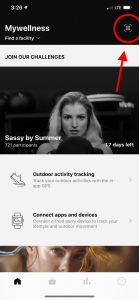
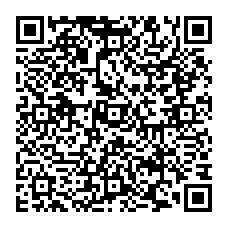
- After the app is downloaded, use the in-app QR scanner in the upper right hand corner of the screen to scan the QR code below from your computer screen.
After you scan this code, it will take you to an example workout. Now you’re ready to access the app!
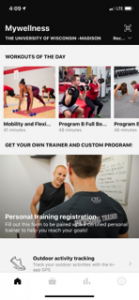
After linking to our facility, your MyWellness app should look similar to the images below:
If you ever have any questions regarding MyWellness or any of our fitness programs and services, please email us at fitness@recwell.wisc.edu. We look forward to hearing from you.